
#9router#hermes-agent#commandcode#tutorial#agentic
How to Connect Hermes Agent to 9Router via CommandCode (Go Plan)
Step-by-step tutorial connecting Hermes Agent Desktop to 9Router using CommandCode Go Plan ($1/mo) as backend provider. Get API key, add provider, configure combo fallback, wire the 9Router endpoint into Hermes.
#Table of Contents
Hermes Agent is a powerful agentic assistant — but it's only as good as the model behind it. If you're running 9Router as your local AI gateway, you can point Hermes at it and get a flexible, multi-provider routing layer with automatic fallback. In this guide I'll walk through exactly how I connected Hermes Desktop to 9Router using CommandCode's Go plan as the backend provider.
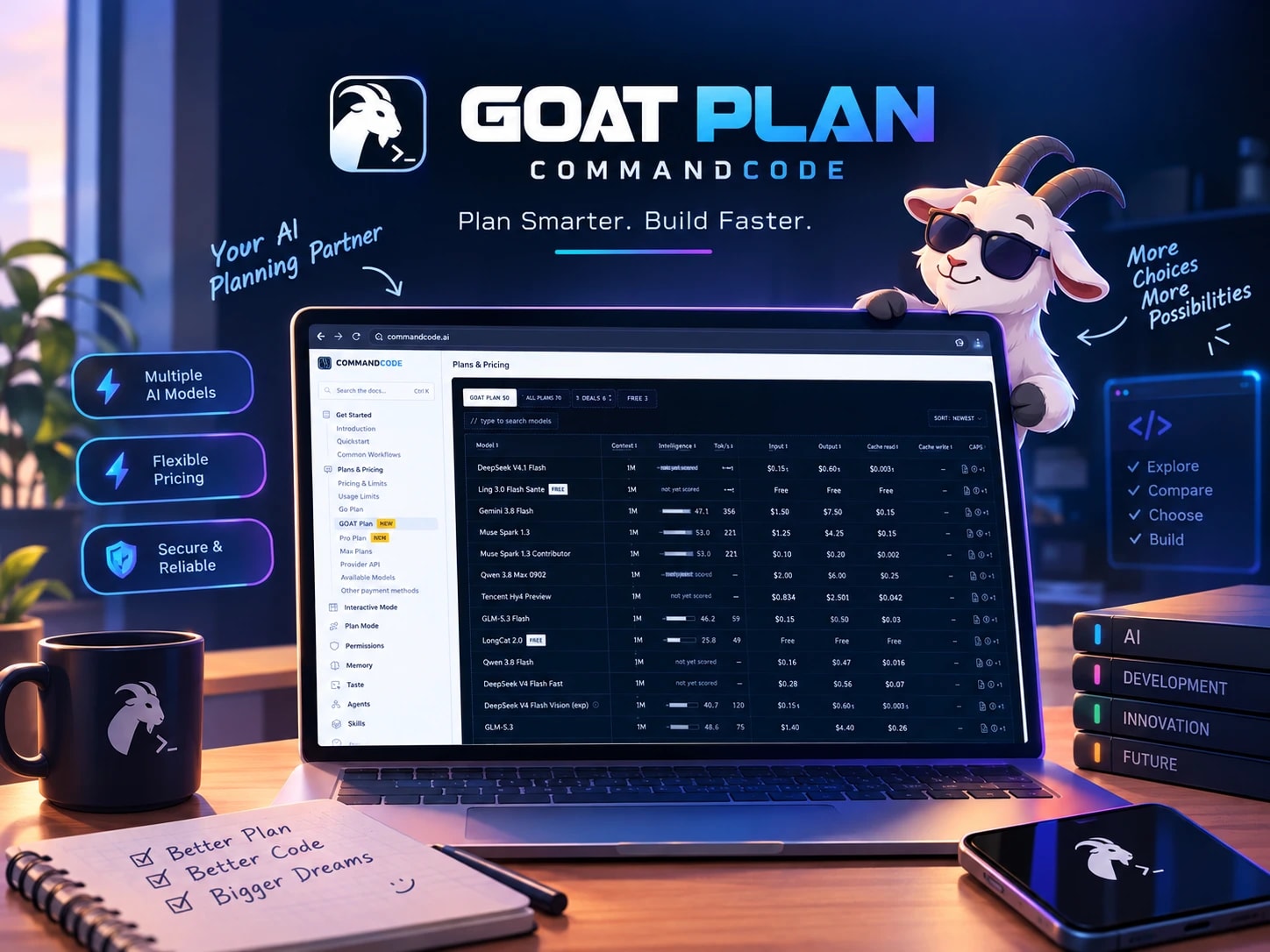
CommandCode's Go plan costs $1/month and gives you $10 in credits — a 10x value with credits that never expire. That makes it an ideal backend for 9Router when you want cheap, reliable access to open models plus a few premium ones.
Sign in to CommandCode Studio and open the API keys page. The key starts with  In 9Router, go to Providers > Command Code and click + Add. Give the connection a name (your GitHub handle), paste the API key, and set Priority. I keep three connections registered — my active one plus two disabled ones.

 On the Combos page, create a combo and add models in fallback order. My daily driver is
  In Hermes provider settings, set the base URL to
  Send a quick test prompt and confirm the request routes through 9Router to CommandCode. Check the 9Router usage log to see which model handled it.
Why CommandCode Go Plan?
Prerequisites
- CommandCode account with Go plan active ($1/mo)
- 9Router installed and running (
127.0.0.1:20128) - Hermes Desktop (or Hermes CLI)
Step 1: Get Your CommandCode API Key
user_... and lives in ~/.commandcode/auth.json. I authenticate with my GitHub account, so the key is tied to my handle.
Zoom
Step 2: Add CommandCode as a Provider in 9Router
Zoom
Zoom
Step 3: Configure a Combo with Fallback
cmc/deepseek/deepseek-v4-flash-vision-exp — vision capable with a 1M context window. The Vision Adapter automatically switches to a vision-capable model (like a Gemini flash variant) when my base model can't read images.
Zoom
Step 4: Connect Hermes to the 9Router Endpoint
http://localhost:20128/v1 and paste the combo/endpoint. Then pick your model in the dropdown.
Zoom
Step 5: Verify It Works
Recap
| Step | Action | Status |
|---|---|---|
| 1 | Get CommandCode API key | ✅ |
| 2 | Add provider in 9Router | ✅ |
| 3 | Configure combo fallback | ✅ |
| 4 | Wire 9Router endpoint into Hermes | ✅ |
| 5 | Verify routing | ✅ |
References
- 9Router — local AI gateway
- CommandCode pricing & limits
- Provider status dashboard
Share this research
<IE/>
Written by Ieproject
Tech hobbyist and explorer passionate about DeepSeek V4 Flash, Antigravity AI, OpenCode, Hermes Agent, and modern developer tools.
More Research & Guides

26 days agoIeproject